SHOP USA STORES
& SHIP TO YOUR DOOR!

Shop from various US retailers and ship to your doorstep!

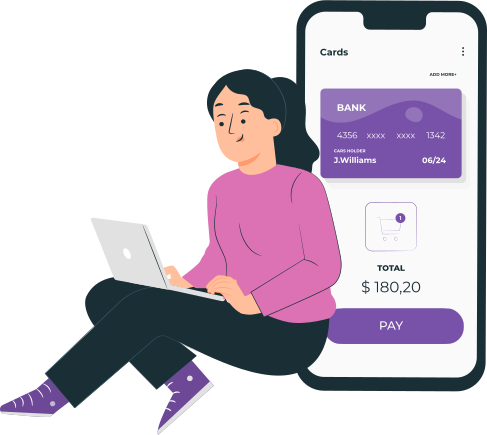
1. Create an account & get a virtual US address

Register an account and get virtual US address for free. No registration, setup or membership fees.
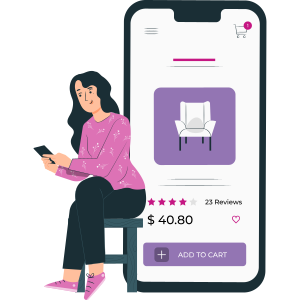
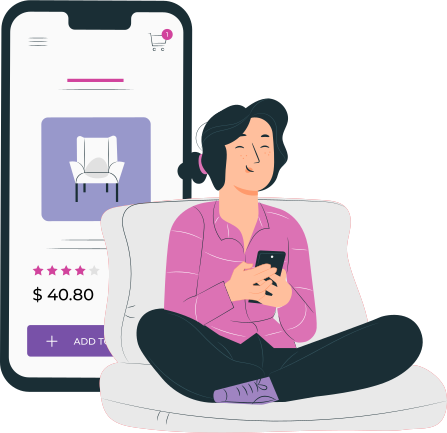
2. Shop at US stores & ship to the US address

There are many great deals available at the US stores & retailers. Simply use the virtual tax-free US address at checkout.
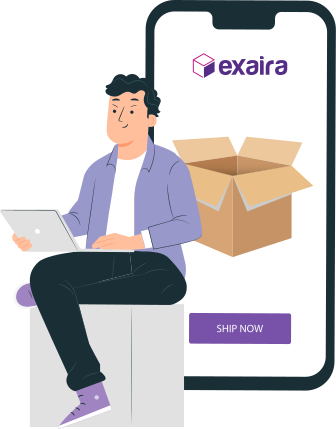
3. Combine packages & ship to your doorstep

Save up to 80% on international shipping charges when consolidating your packages into a single shipment.

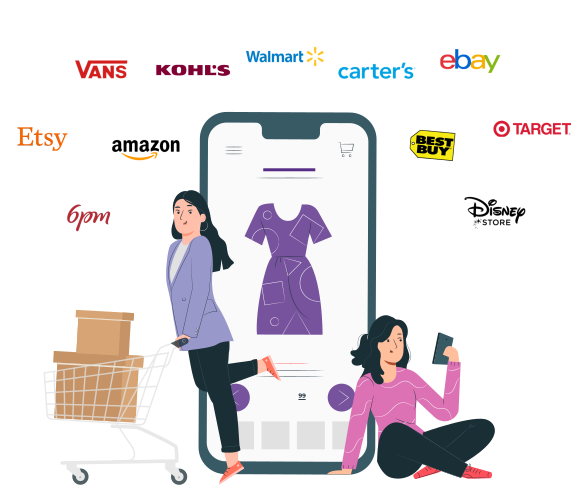
Popular US stores & brands

Here are some popular stores and brands that you will love when shopping online:

… and many more!

Why Exaira?

At Exaira, we don’t just deliver packages, we deliver satisfaction, convenience and peace of mind.

No Hidden Fees

Lots of Savings

Responsive Support

Features you will love

Saving more money on shipping is the main reason our customers choose us to shop in the USA.

Tax-Free US Address

You’ll get a sales tax-free US address and shop US online stores without any sales tax added to your shopping.

Fast Shipping

We do our best to ensure your shipment orders are fulfilled within 24-48 hours and arrive as soon as 5-7 days.

Consolidation

Combine several packages into a single shipment to reduce up to 80% on international shipping costs.

Repacking

You can save big when we combine your packages or purchases into one bigger box with proper packaging.

Long-term Storage

Store your packages or purchases for free at our facility for up to 30 days for shipping via air or 60 days for shipping via sea.

Shopping Assistance

We can assist you to purchase items online or at a physical store on your behalf and ship them to you.

What did our members say

Reviews from some of our valued customers.

Rated 5 out of 5

Thank you for your service. The application process and the customer service is top notch. I will be recommending your service to people who need it.

Julius

Kuantan, Malaysia

Rated 5 out of 5

Hi there, your team was excellent! The efficiency and service was superb. Opened all the boxes and everything is in good condition. Thank you.

Jackie

Kuala Lumpur, Malaysia

Rated 5 out of 5

I’m very satisfied with the service right from the beginning up to delivery of the items that I’ve ordered. Will definitely order with them again. Highly recommended.

Shidah

Shah Alam, Malaysia

Rated 5 out of 5

Very helpful in giving guidance and advice. Also very prompt in making purchase and delivery. Friendly and trustworthy.

Rohana

Seremban, Malaysia

Rated 5 out of 5

I am happy using Exaira. Appreciate the service thus far.

Timothy

Kuala Lumpur, Malaysia

Rated 5 out of 5

Thank you for helping me to purchase items from the US. May your company to be successful in the future.

Hairi

Serdang, Malaysia

Rated 5 out of 5

This is my second time using this service and my parcel arrived in timely manner and in good condition despite times of Covid and CMCO in Malaysia. Trusted and very responsive service provider. For my future purchase, I’m confident to use Exaira’s services for larger items.

Jonathan

Putrajaya, Malaysia

Rated 5 out of 5

It’s easy and very detailed 😍😍 I’m actually grateful to have found your services as I always wanted to shop from the US. Luckily I found yours on Tiktok. All your steps are easy to follow.

Reen

Kuala Lumpur, Malaysia

Rated 5 out of 5

Thank you for your superb shipping services. The last time I received the package in a very good condition. If I want to order more, I will find Exaira.

Akma

Seremban, Malaysia

Rated 5 out of 5

Thank you to you too for the wonderful service.

Ahmad

Putrajaya, Malaysia

Rated 5 out of 5

I would recommend Exaira to my friends.

Joyee

Shah Alam, Malaysia

Rated 5 out of 5

Trustworthy personal shopper with great service!!

Fariza

Kemaman, Malaysia

Rated 5 out of 5

Fast, reliable and customer-centric. Personalized to your own need. Highly recommended!

Syahira

Kuala Lumpur, Malaysia

Rated 5 out of 5

They will go the extra lengths to get you what you want or need.

Asri

Kuala Lumpur, Malaysia

Rated 5 out of 5

I had a pleasant experience dealing with Exaira. I am also on your Telegram group. Let’s wait for the Black Friday Sale next month!

Sharmala

Puchong, Malaysia

Our shipping partners

Fedex International

DHL Express

Aramex

Postal Service

**Service offerings may change depending on the destination country. Not all carriers offer services to all countries.

Ready to shop & ship from the USA?

You will get free 600 Purple Stars upon registration

Subscribe & Get $5 Off

Receive the latest deals, promos, and info straight to your inbox

Join Us and

Enjoy $5 Off

Receive the latest deals, promos, and info straight to your inbox

Shop at Macy's

Macy’s provides you with a wide range of products with the cheapest pricing and lots of sales that you will love. However, if you’re living outside of the US and want to shop at Macy’s, you must use a Virtual Private Network (VPN) in order to browse the products on Macy’s website. We recommend you to use ProtonVPN, a free and secure VPN when shopping at Macy’s.

Here’s how you can shop at Macy’s?

1.  Go to the ProtonVPN website and click Get ProtonVPN Now or Signup button.

2. Click Get Free to connect to the VPN server for free or you can also select the paid version.
3. Create an account and enter the verification code that will be sent to your email address.
4. Once you have clicked the Verify button, you will be automatically logged in and view the Downloads page.
5. Download the ProtonVPN clients based on the device that you will be using to shop, i.e. Windows if you are using Windows OS.
6. Install the application on your device and restart the device when the installation is done.
7. Log in thru the application by entering your username and password.
8. Select the United States tab and connect to US-FREE#5 server.
9. Open your web browser and go to Macy’s website or simply click the button below. Now you can shop at Macy’s.

If you have trouble following the instructions or opening Macy’s website on your device, contact us now and our customer support will assist you.

Shop at Nike

If you’re living outside of the US and want to shop at Nike, you must use a Virtual Private Network (VPN) to shop at Nike’s US online store. We recommend you to use ProtonVPN, a free and secure VPN when shopping at Nike.

Here’s how you can shop at Nike?

1.  Go to the ProtonVPN website and click Get ProtonVPN Now or Signup button.

2. Click Get Free to connect to the VPN server for free or you can also select the paid version.
3. Create an account and enter the verification code that will be sent to your email address.
4. Once you have clicked the Verify button, you will be automatically logged in and view the Downloads page.
5. Download the ProtonVPN clients based on the device that you will be using to shop, i.e. Windows if you are using Windows OS.
6. Install the application on your device and restart the device when the installation is done.
7. Log in thru the application by entering your username and password.
8. Select the United States tab and connect to US-FREE#5 server.
9. Open your web browser and go to Nike website or simply click the button below. Now you can shop at Nike.

If you have trouble following the instructions or opening the Nike website on your device, contact us now and our customer support will assist you.

Shop at Tumi

If you’re living outside of the US and want to shop at Tumi, you must use a Virtual Private Network (VPN) to shop at Tumi’s US online store. We recommend you to use ProtonVPN, a free and secure VPN when shopping at Tumi.

Here’s how you can shop at Tumi?

1.  Go to the ProtonVPN website and click Get ProtonVPN Now or Signup button.

2. Click Get Free to connect to the VPN server for free or you can also select the paid version.
3. Create an account and enter the verification code that will be sent to your email address.
4. Once you have clicked the Verify button, you will be automatically logged in and view the Downloads page.
5. Download the ProtonVPN clients based on the device that you will be using to shop, i.e. Windows if you are using Windows OS.
6. Install the application on your device and restart the device when the installation is done.
7. Log in thru the application by entering your username and password.
8. Select the United States tab and connect to US-FREE#5 server.
9. Open your web browser and go to Tumi website or simply click the button below. Now you can shop at Tumi.

If you have trouble following the instructions or opening the Tumi website on your device, contact us now and our customer support will assist you.

Shop at Guess

If you’re living outside of the US and want to shop at Guess, you must use a Virtual Private Network (VPN) to shop at Guess’ US online store. We recommend you to use ProtonVPN, a free and secure VPN when shopping at Guess.

Here’s how you can shop at Guess?

1.  Go to the ProtonVPN website and click Get ProtonVPN Now or Signup button.

2. Click Get Free to connect to the VPN server for free or you can also select the paid version.
3. Create an account and enter the verification code that will be sent to your email address.
4. Once you have clicked the Verify button, you will be automatically logged in and view the Downloads page.
5. Download the ProtonVPN clients based on the device that you will be using to shop, i.e. Windows if you are using Windows OS.
6. Install the application on your device and restart the device when the installation is done.
7. Log in thru the application by entering your username and password.
8. Select the United States tab and connect to US-FREE#5 server.
9. Open your web browser and go to Guess website or simply click the button below. Now you can shop at Guess.

If you have trouble following the instructions or opening the Guess website on your device, contact us now and our customer support will assist you.

Shop at JCPenney

If you’re living outside of the US and want to shop at JCPenney, you must use a Virtual Private Network (VPN) to shop at JCPenney’s US online store. We recommend you to use ProtonVPN, a free and secure VPN when shopping at JCPenney.

Here’s how you can shop at JCPenney?

1.  Go to the ProtonVPN website and click Get ProtonVPN Now or Signup button.

2. Click Get Free to connect to the VPN server for free or you can also select the paid version.
3. Create an account and enter the verification code that will be sent to your email address.
4. Once you have clicked the Verify button, you will be automatically logged in and view the Downloads page.
5. Download the ProtonVPN clients based on the device that you will be using to shop, i.e. Windows if you are using Windows OS.
6. Install the application on your device and restart the device when the installation is done.
7. Log in thru the application by entering your username and password.
8. Select the United States tab and connect to US-FREE#5 server.
9. Open your web browser and go to JCPenney website or simply click the button below. Now you can shop at JCPenney.

If you have trouble following the instructions or opening the JCPenney website on your device, contact us now and our customer support will assist you.

Shop at Calvin Klein

If you’re living outside of the US and want to shop at Calvin Klein, you must use a Virtual Private Network (VPN) to shop at Calvin Klein’s US online store. We recommend you to use ProtonVPN, a free and secure VPN when shopping at JCPenney.

Here’s how you can shop at JCPenney?

1.  Go to the ProtonVPN website and click Get ProtonVPN Now or Signup button.

2. Click Get Free to connect to the VPN server for free or you can also select the paid version.
3. Create an account and enter the verification code that will be sent to your email address.
4. Once you have clicked the Verify button, you will be automatically logged in and view the Downloads page.
5. Download the ProtonVPN clients based on the device that you will be using to shop, i.e. Windows if you are using Windows OS.
6. Install the application on your device and restart the device when the installation is done.
7. Log in thru the application by entering your username and password.
8. Select the United States tab and connect to US-FREE#5 server.
9. Open your web browser and go to Calvin Klein website or simply click the button below. Now you can shop at Calvin Klein.

If you have trouble following the instructions or opening the Calvin Klein website on your device, contact us now and our customer support will assist you.

Shop at Timberland

If you’re living outside of the US and want to shop at Timberland, you must use a Virtual Private Network (VPN) to shop at Timberland’s US online store. We recommend you to use ProtonVPN, a free and secure VPN when shopping at Timberland.

Here’s how you can shop at Timberland?

1.  Go to the ProtonVPN website and click Get ProtonVPN Now or Signup button.

2. Click Get Free to connect to the VPN server for free or you can also select the paid version.
3. Create an account and enter the verification code that will be sent to your email address.
4. Once you have clicked the Verify button, you will be automatically logged in and view the Downloads page.
5. Download the ProtonVPN clients based on the device that you will be using to shop, i.e. Windows if you are using Windows OS.
6. Install the application on your device and restart the device when the installation is done.
7. Log in thru the application by entering your username and password.
8. Select the United States tab and connect to US-FREE#5 server.
9. Open your web browser and go to Timberland website or simply click the button below. Now you can shop at Timberland.

If you have trouble following the instructions or opening the Timberland website on your device, contact us now and our customer support will assist you.

Shop at Forever 21

If you’re living outside of the US and want to shop at Forever 21, you must use a Virtual Private Network (VPN) to shop at Forever 21’s US online store. We recommend you to use ProtonVPN, a free and secure VPN when shopping at Forever 21.

Here’s how you can shop at Forever 21?

1.  Go to the ProtonVPN website and click Get ProtonVPN Now or Signup button.

2. Click Get Free to connect to the VPN server for free or you can also select the paid version.
3. Create an account and enter the verification code that will be sent to your email address.
4. Once you have clicked the Verify button, you will be automatically logged in and view the Downloads page.
5. Download the ProtonVPN clients based on the device that you will be using to shop, i.e. Windows if you are using Windows OS.
6. Install the application on your device and restart the device when the installation is done.
7. Log in thru the application by entering your username and password.
8. Select the United States tab and connect to US-FREE#5 server.
9. Open your web browser and go to Forever 21 website or simply click the button below. Now you can shop at Forever 21.

If you have trouble following the instructions or opening the Forever 21 website on your device, contact us now and our customer support will assist you.

Shop at AE

If you’re living outside of the US and want to shop at American Eagle, you must use a Virtual Private Network (VPN) to shop at American Eagle’s US online store. We recommend you to use ProtonVPN, a free and secure VPN when shopping at American Eagle.

Here’s how you can shop at American Eagle?

1.  Go to the ProtonVPN website and click Get ProtonVPN Now or Signup button.

2. Click Get Free to connect to the VPN server for free or you can also select the paid version.
3. Create an account and enter the verification code that will be sent to your email address.
4. Once you have clicked the Verify button, you will be automatically logged in and view the Downloads page.
5. Download the ProtonVPN clients based on the device that you will be using to shop, i.e. Windows if you are using Windows OS.
6. Install the application on your device and restart the device when the installation is done.
7. Log in thru the application by entering your username and password.
8. Select the United States tab and connect to US-FREE#5 server.
9. Open your web browser and go to American Eagle website or simply click the button below. Now you can shop at American Eagle.

If you have trouble following the instructions or opening the American Eagle website on your device, contact us now and our customer support will assist you.

Scroll to Top